
In short
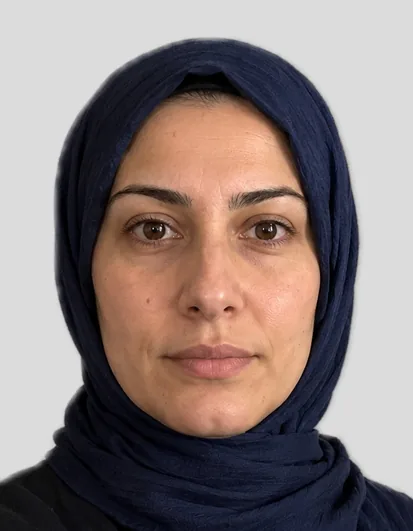
For a student ID, school ID, travel pass smart card or employee badge there are no legal photo rules: each university, school, transport company or employer sets its own. Most want a recent frontal portrait on a plain background, often in passport size 35 × 45 mm, uploaded as a JPG. Check the pixel and file size limits in your portal.
Last updated: · FotoKlar editorial team
Which photo for which card?
| Card | Usual format | Where to upload |
|---|---|---|
| Student ID | portrait, often 35 × 45 mm | your university’s student portal |
| School ID | passport photo | school or transport association |
| Deutschlandticket smart card / job ticket | depends on the provider | provider’s customer portal or app |
| Employee badge | portrait | HR or facility management |
Creating the photo
- 1Upload a frontal photo in the tool above – “Student ID” is already selected.
- 2FotoKlar crops to 35 × 45 mm and replaces the background.
- 3Download the file for €7.99 and upload it in your portal.
Many Deutschlandtickets are app tickets without a photo. Whether yours needs one depends on your transport company.
Tips for portal uploads
- Check the maximum file size and pixel size before uploading
- Square or portrait? Some portals crop to a square – keep space around your head
- For a friendlier portrait (e.g. on an employee badge) the job application photo also works